Preview · in Slack
#general
Marcus Wright9:08 AM
wait who designed it's perfect, I love it here
51Inline at 22px like Slack renders it. Reactions are pills with the emoji + count.
How to add :nintendo: to Slack
- Download the original
PNGabove. It's already sized 128×128 — exactly what Slack wants. - In Slack, open any message box and click the smiley face, then choose Add Emoji.
- Upload the file and name it . Hit Save.
- Type in any channel — your workspace now has it forever.
Need it for a different chat app? PNG and GIF emoji work the same way in Discord, Mattermost, Rocket.Chat, and most modern chat tools.
About this sticker
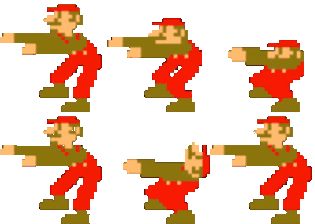
nintendo lives in the Mario pack on Mojindex. It's a static PNG at 85×128 — exactly the dimensions Slack expects, so no resizing before upload.
Designed for game-night announcements, retro-gaming standups, and Mario Kart Monday, nintendo works in Slack, Discord, Microsoft Teams, Mattermost, Rocket.Chat — anywhere a custom PNG emoji is accepted.